How you connect these devices is another consideration. Wireless peripherals like a mouse and keyboard come with their own wireless receivers, but setting up controllers can be a bit trickier. While most controllers support Bluetooth, the connection might not be reliable for gaming depending on the location and distance from your PC. In my case, using an Xbox Wireless Adapter resolved all my Bluetooth issues and allowed multiple controllers to connect without any hassle.
If you’re like me, you probably want your living room to have a cohesive feel. A large black box with flashy RGB lights doesn’t exactly scream “living room” to me. So, I explored various form factor options, focusing mainly on space. Take a look at your own space and note potential spots for your setup. If you have enough space, you could go for an HTPC-style case that fits nicely in a TV stand console area. Alternatively, if there’s space behind your TV, you could just tuck a full-sized ATX case there. Having easy physical access to the PC isn’t crucial in my opinion, so the “out of sight, out of mind” approach works for me.
Now, let’s talk about the power level you want for your couch PC. Equipping your rig with all the components of a standard gaming PC is one way to go, especially if you can’t connect it to your network via Ethernet. Playing games directly on your system eliminates any network issues, at least with single-player titles.
There’s nothing like relaxing on the couch and diving into a game. While I’m typically more of a mouse and keyboard gamer, playing on the couch is a highly enjoyable experience, often overlooked by us desk-bound players. With the right mix of components and a well-planned setup, couch gaming can be an absolute delight.
If space is a major constraint for you, consider an ITX PC or even a mini PC that you can mount on the back of your TV in a creative way. The level of power that can be packed into a small space these days is impressive and more than enough for some casual on-device gaming. You can also use it as a streaming box from a more potent PC in your home, provided you have sufficient network bandwidth to spare.
Alternatively, you can opt for a streaming setup. Services like GeForce Now or Xbox Cloud Gaming require a strong internet connection, while streaming games from a more robust PC in your home needs a good connection within your local network. For a wireless connection, a well-equipped home network can do the job, but a wired connection is always more reliable. In the latter scenario, planning out cable routes is a necessary step.
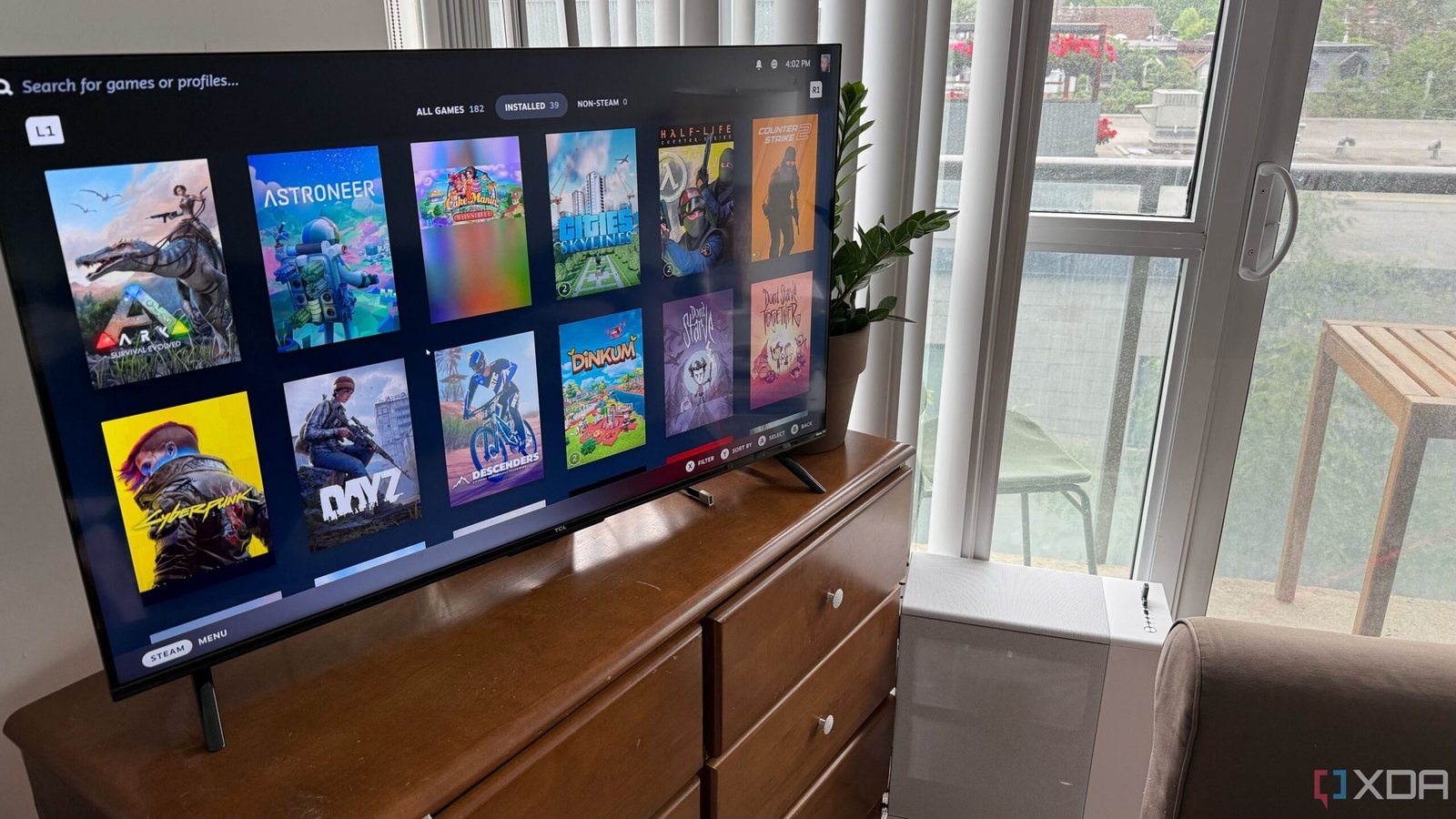
There are plenty of options to make PC gaming on a big screen a seamless experience, many of which are easy to set up. One popular choice is Steam’s Big Picture mode, a TV-friendly interface for your Steam library that also lets you stream games from other PCs on your network. If you plan to play only Steam games, Big Picture is a great option.
When it comes to couch gaming, the choice of input devices is key. A wireless mouse and keyboard are a must for the initial setup, and having a couple of wireless controllers on hand can be useful for gaming, even if you don’t plan on using them much.
However, for non-Steam titles, the support falls short, particularly when it comes to controller compatibility. For streaming, consider using Sunshine on your host machine and Moonlight on your streaming client for a straightforward solution. If you’re looking for more flexibility in managing your library, Playnite and Launchbox are excellent options, the latter being ideal for emulation enthusiasts.
Well, when it comes to PC gaming, it’s not all about sitting at a desk with a traditional setup. Having a PC in your living room is nothing new, especially with the rise of streaming services and more powerful smart TVs. The era of having a Home Theater PC (HTPC) in your living room seems to be slowly fading away.
In my case, I put together a PC using parts from various old builds. The RTX 3080 and i7 10700K can handle most games smoothly, but for the latest demanding AAA titles, I stream from my main rig, which features a Ryzen 7 7800X3D and RX 9070 XT.
But fear not, the couch PC is far from being dead, especially for gaming. I recently set one up for my partner so she could enjoy her favorite games comfortably while dealing with the ups and downs of pregnancy. And let me tell you, I couldn’t resist the temptation to swap my desk for a cozy sofa for a few hours. If you’re thinking of setting up something similar, here are five key things to consider before diving into the world of couch gaming.