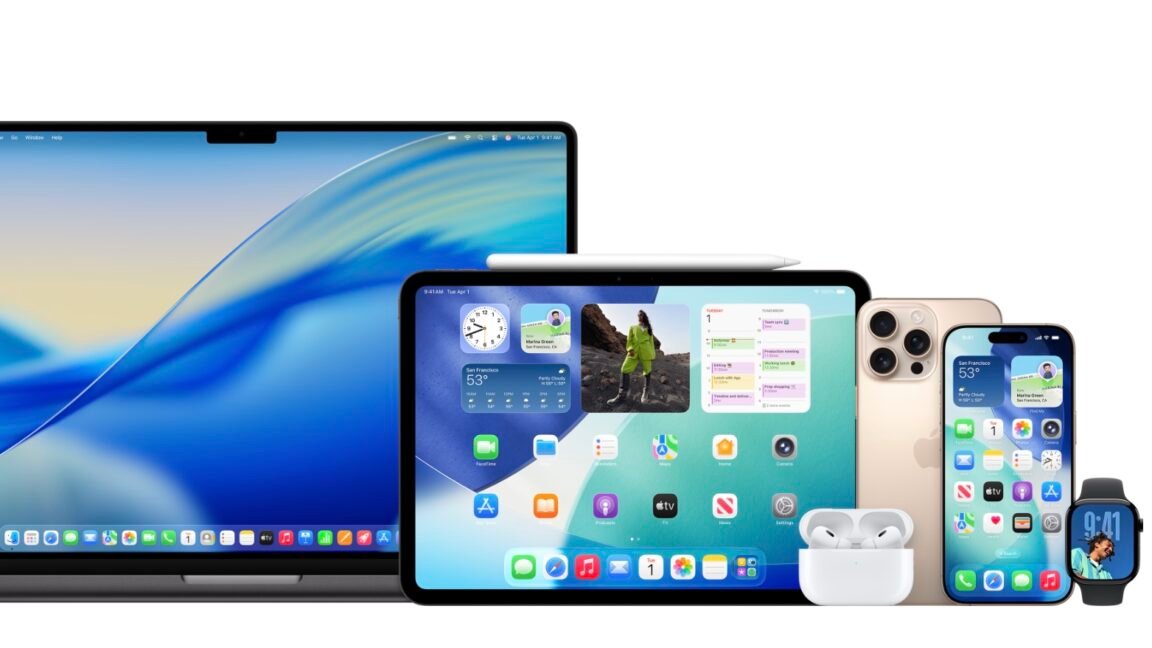
We want to stress that these developer betas are not meant for immediate installation on your daily devices such as Macs, iPhones, iPads, and Apple Watches. These versions are still in their early stages and are likely to have performance, battery life, and stability issues compared to the current stable releases.
If you don’t have extra devices available for testing, we recommend holding off on installing any of these betas until the public beta is launched in July. Make sure to back up all important data on those devices before proceeding. While it is possible to revert to a previous software version, the process can be quite cumbersome. For users with Apple Silicon Macs who are keen to try out the latest versions, setting up a virtual machine using tools like VirtualBuddy or other platforms that utilize Apple’s built-in Virtualization framework could be an option worth considering.
The new iOS and iPadOS betas are compatible with a wide range of hardware currently supporting iOS and iPadOS 18, with a few exceptions for older devices. The macOS beta is compatible with all Apple Silicon Macs and specific Intel Macs released in 2019 and 2020. Generally, the other betas work on devices capable of running the current software versions, though there might be certain limitations. For example, Liquid Glass effects are only visible on newer Apple TV 4K models, while the first-generation Apple TV 4K and older 1080p Apple TV will support the update without the Liquid Glass feature.
You can select from various beta OS versions within the Settings app on iOS 18.