Exciting times ahead for Android Studio as Google hints at even more amazing features to come!
So what’s Agent Mode all about? It’s basically a game-changer for developers, allowing them to tackle those tricky development tasks with ease. Whether it’s creating unit tests, making complex code changes, or even fixing errors in the project, Agent Mode’s got your back. Google describes it as a way to pass on all the tedious, time-consuming stuff to the agent so that developers can focus on the fun, creative work instead.
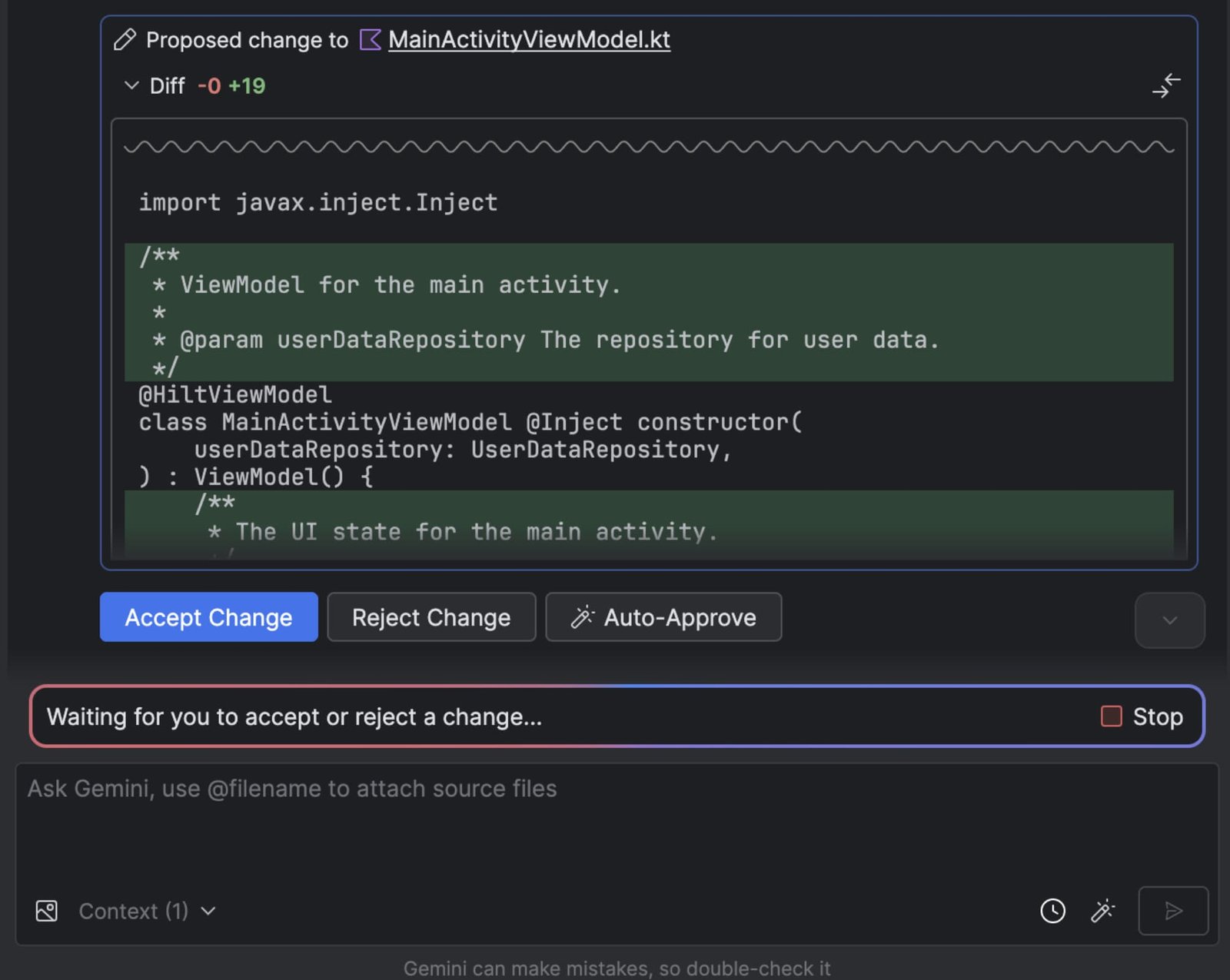
Developers have the power to review, tweak, and guide the agent’s output every step of the way, giving feedback with a simple “Accept” or “Reject Change” option. And for those who want to move fast, there’s an “Auto-Approve” feature to help you test out ideas quickly.
For those lucky business tier subscribers with a Gemini Code Assist license, you already have access to Gemini 2.5 Pro and the expanded context window without needing an API key setup.
- But that’s not all
- here are a few other cool things you can do with Agent Mode:
As a heads-up, the current release supports interactions with external tools via the stdio transport as outlined in the MCP spec. But Google is already looking ahead, planning to add more cool features like Streamable HTTP transport, external context resources, and prompt templates in the future Android Studio updates.
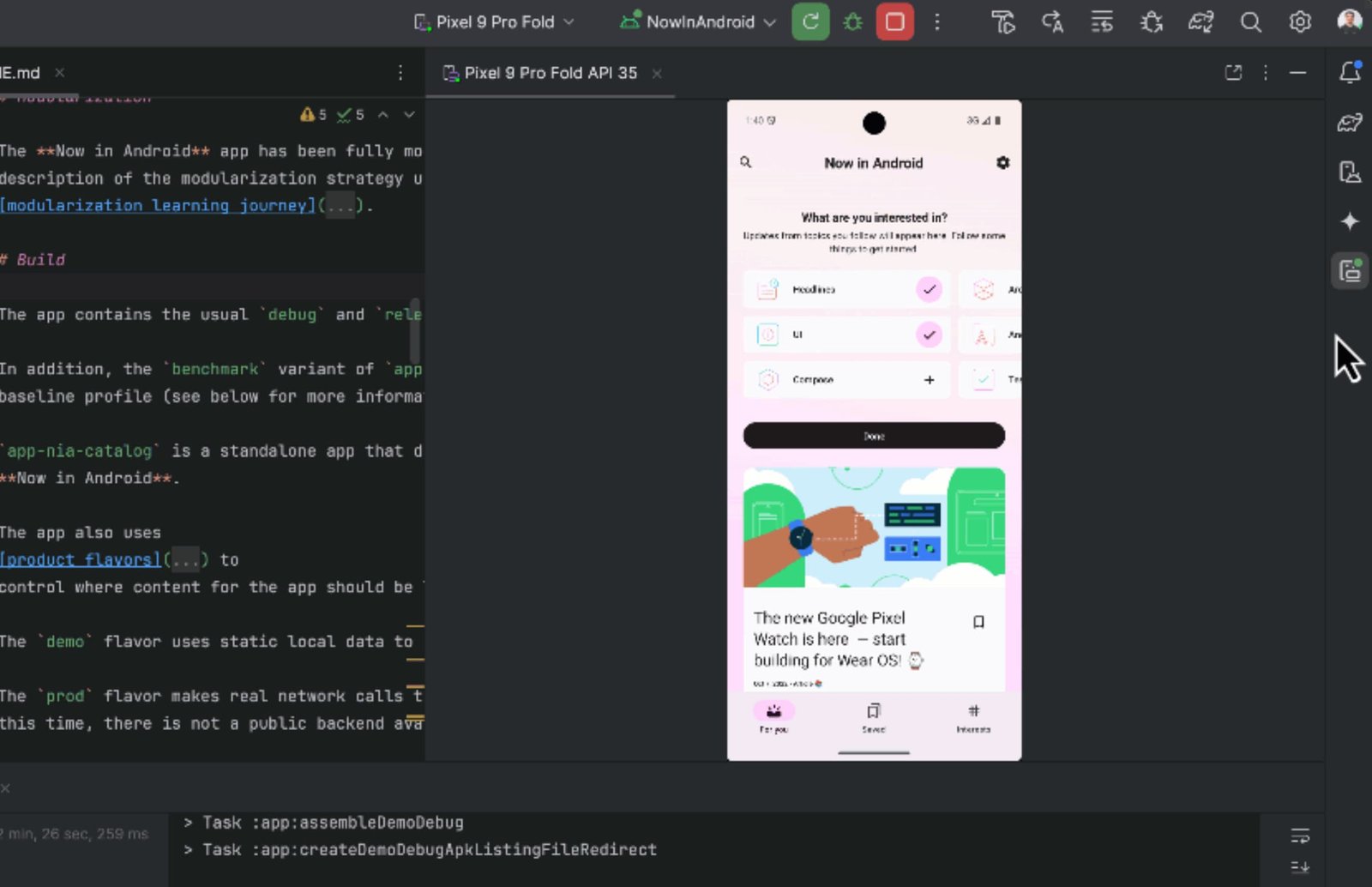
You can simply describe a complicated task in plain English, and Gemini will work its magic by analyzing multiple files in your project and using various tools in the IDE to get the job done.
After giving us a sneak peek at I/O 2025, Google is now rolling out an exciting new feature called “Agent Mode” for Gemini within Android Studio.
- Exciting news
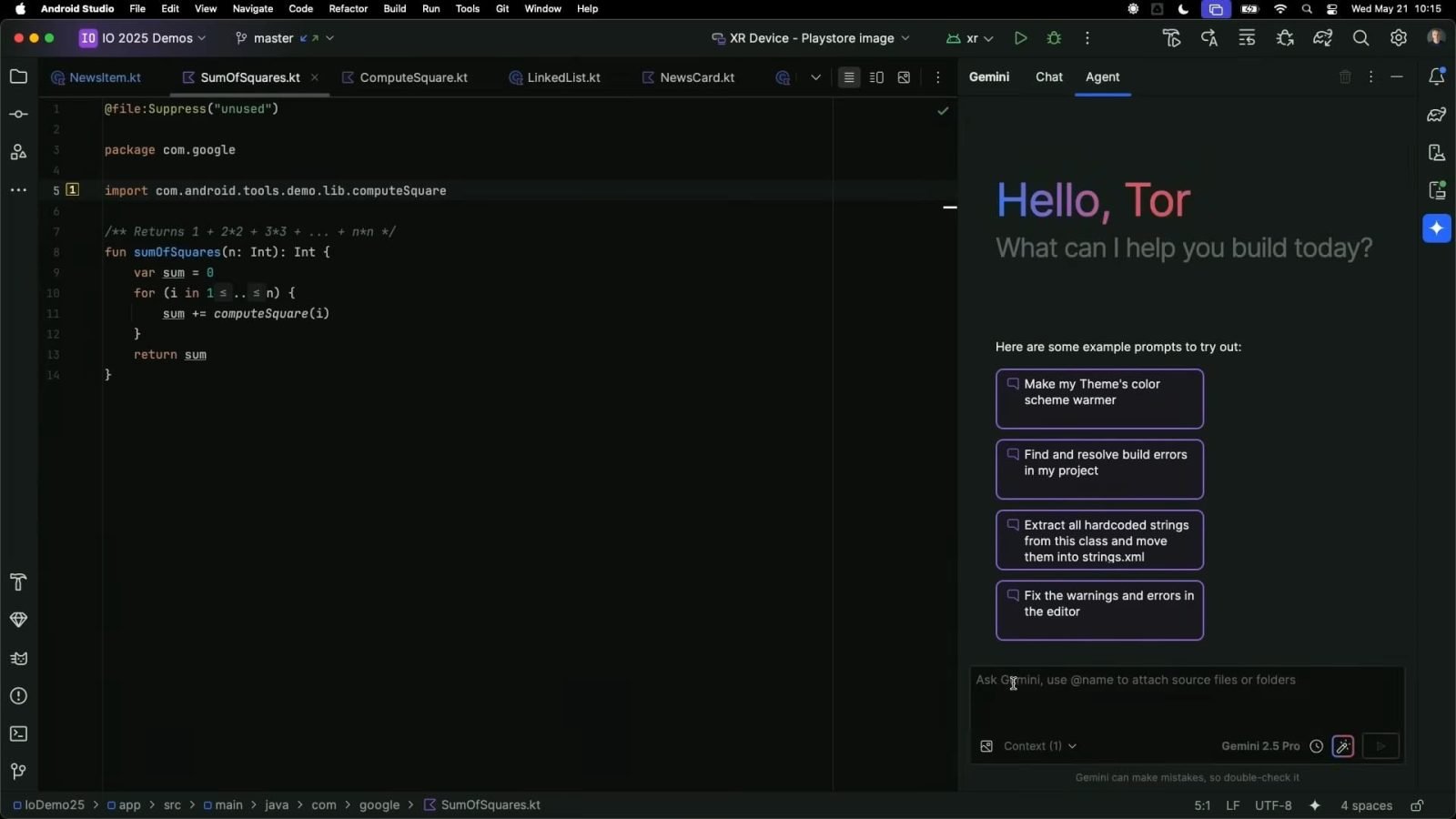
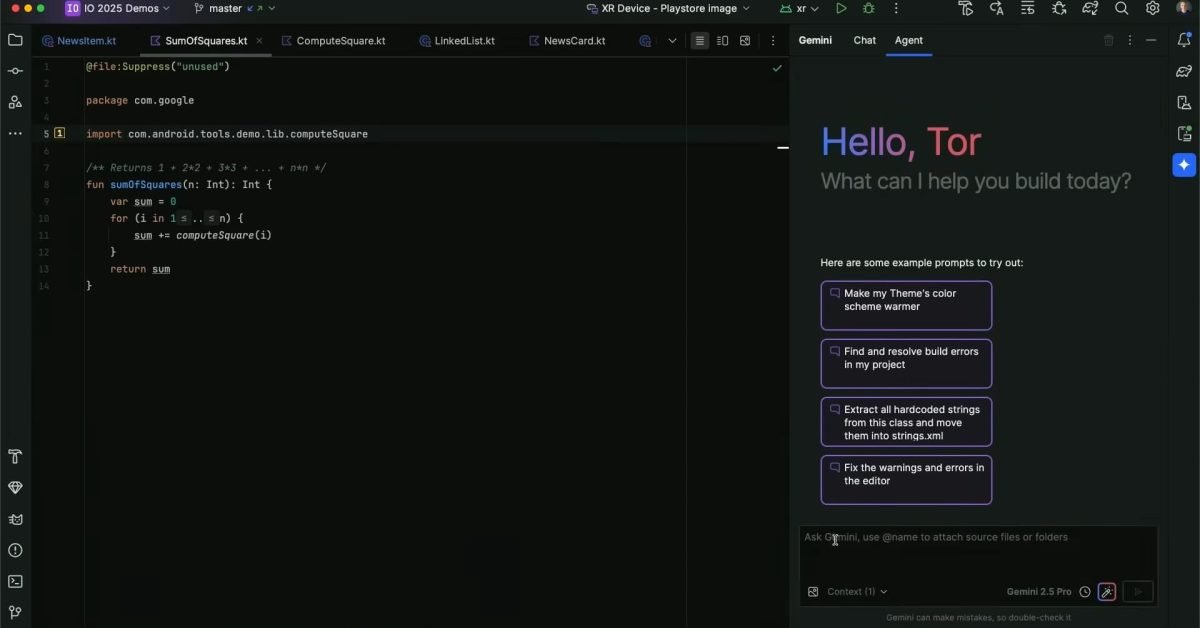
- Agent Mode is now available in the latest Android Studio Narwhal Feature Drop Canary release for everyone, with business tier subscribers getting access shortly. Once you launch Gemini from the sidebar, you’ll spot a new Agent tab next to the Chat feature.
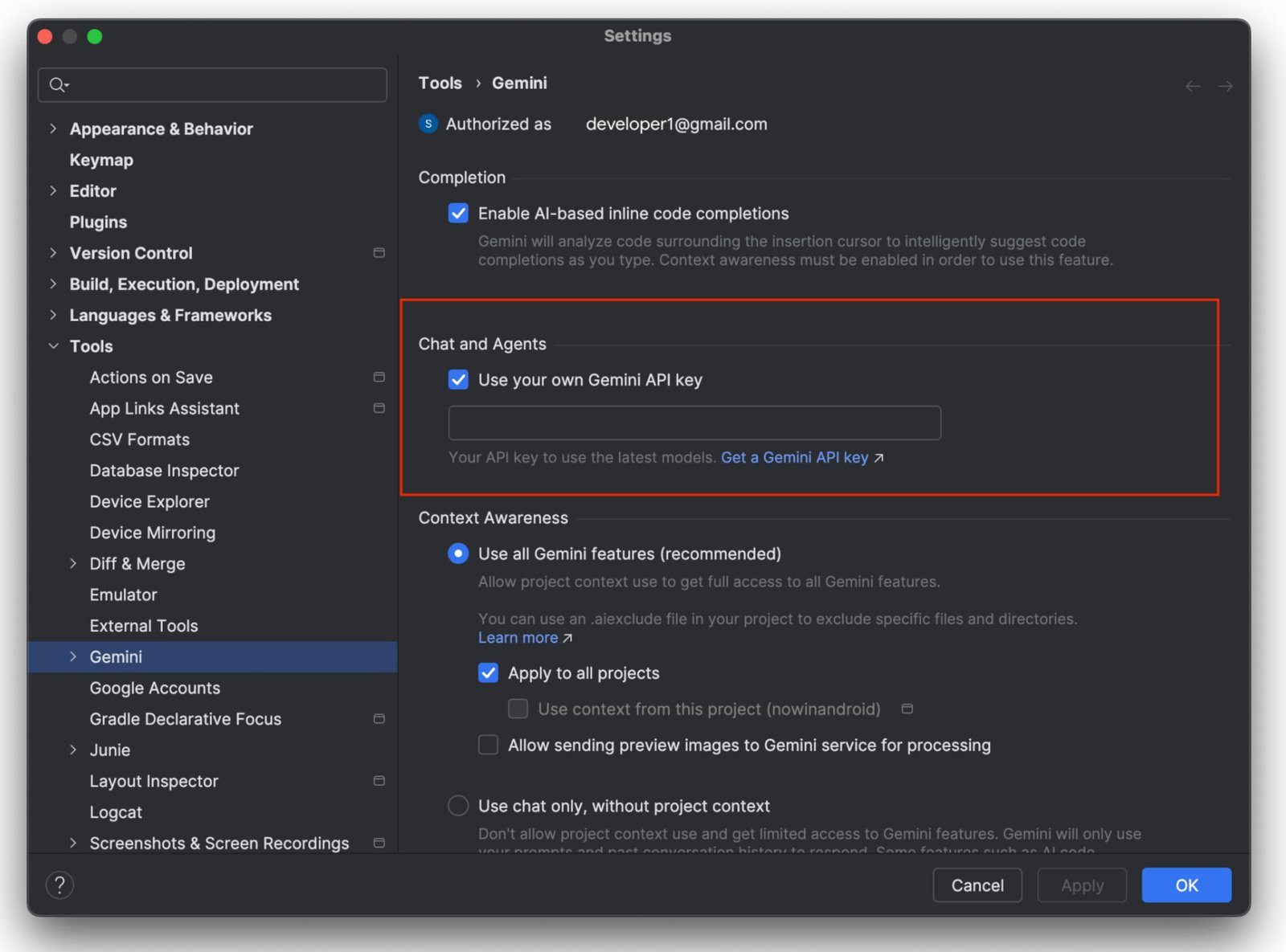
And here’s a handy tip: If you have a Gemini API key, you can supercharge Agent Mode using Gemini 2.5 Pro’s 1 million token context window. Just head to File (Android Studio on macOS) > Settings > Tools > Gemini to set it up for more precise instructions, code suggestions, and overall better responses.
Plus, Agent Mode can play nice with external tools like GitHub, allowing you to create pull requests directly from Android Studio through the Model Context Protocol (MCP).