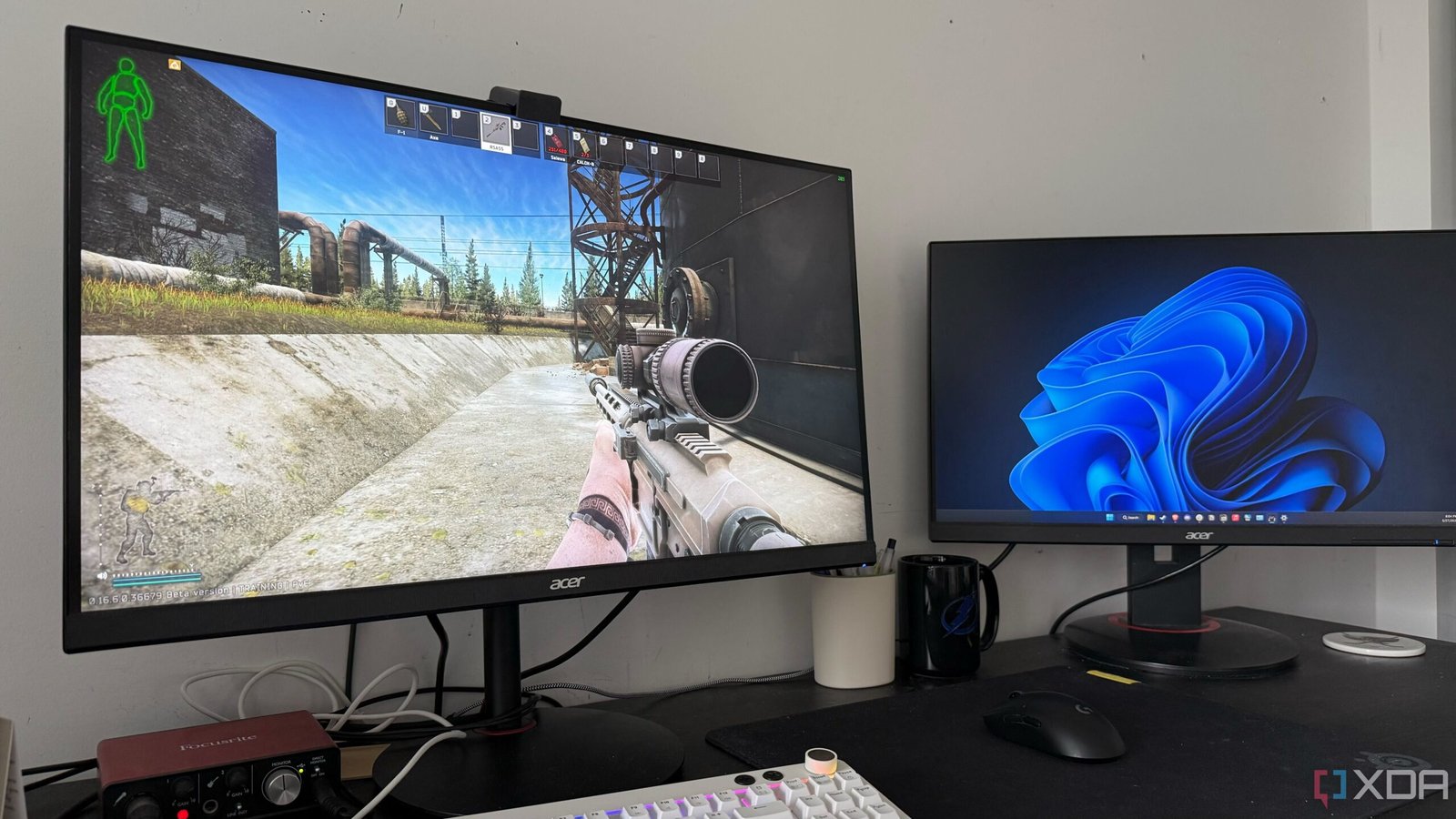
Also, don’t be in a rush to start gaming without running benchmark programs and stress tests. They can help you uncover any hidden issues or instabilities in your system. Better safe than sorry, right? Once you’ve ensured everything’s running smoothly, ditch those programs and get ready to enjoy your new toy.
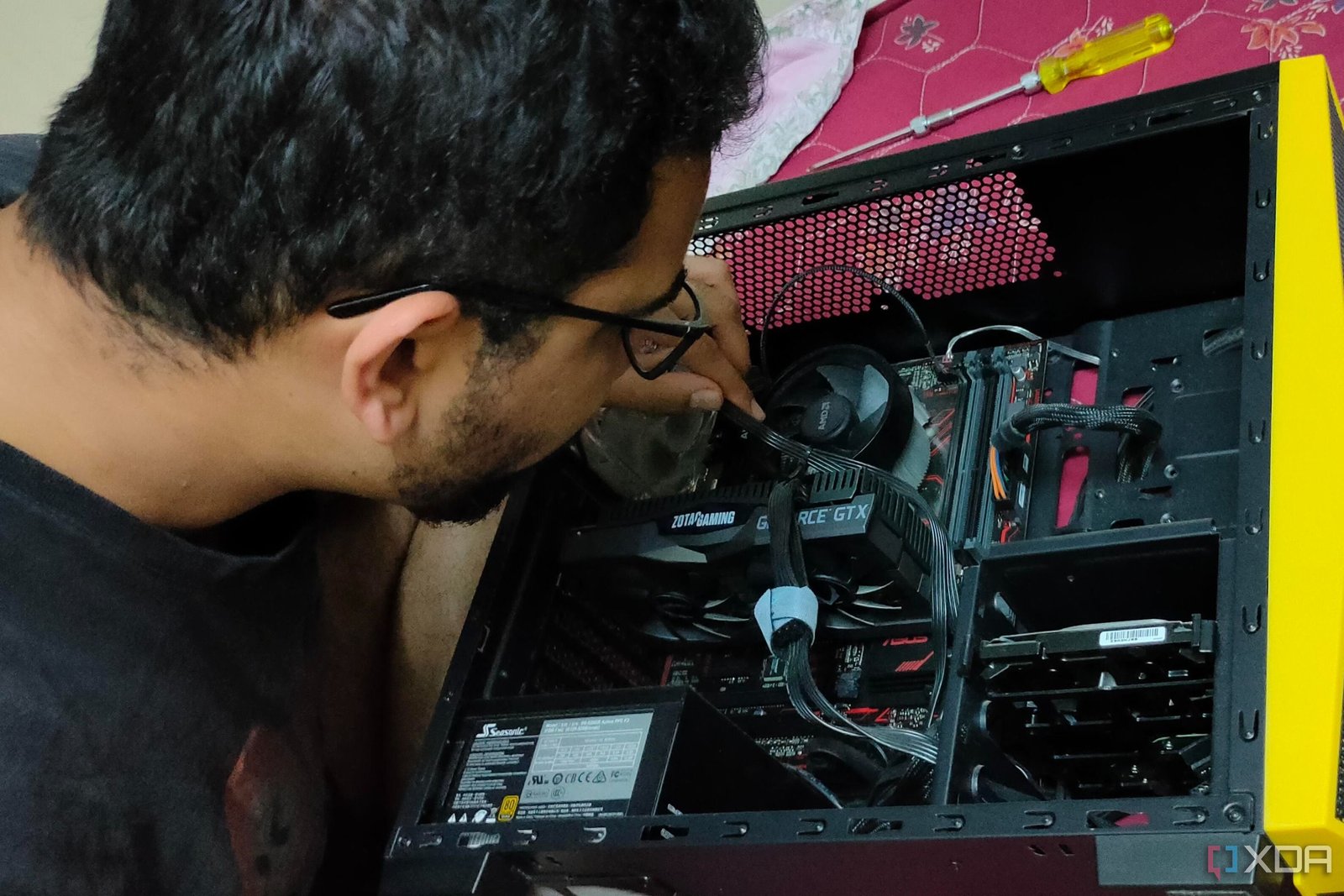
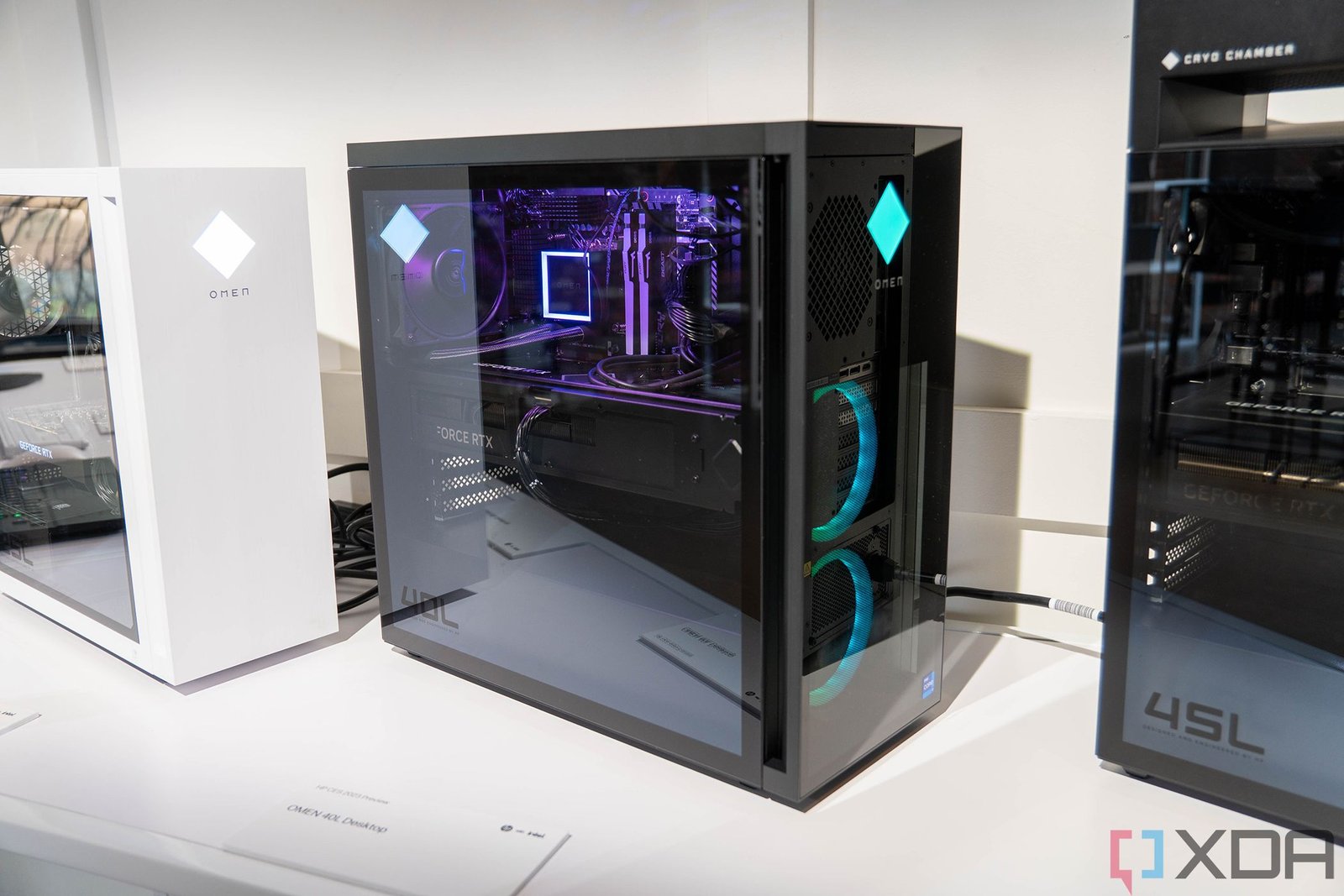
So, you’ve finally put together your new gaming PC after a few hours of hard work – cables managed, operating system on your SSD. The excitement to dive into your favorite game is too strong to resist, right? But hold your horses, mate! There are some crucial things you gotta check off your list right after building your new machine, or you might end up regretting it later.
Lastly, avoid falling for those fancy performance-boosting programs that promise the world but deliver a headache. Registry cleaners, junk file removers, system optimizers – they might do more harm than good. Stick to the basics, trust the system to manage your resources, and keep your PC updated for smooth sailing.
Whether you’re a newbie or a seasoned builder, these steps are essential for a top-notch gaming experience. Don’t let laziness or shortcuts ruin the performance of your shiny new PC!
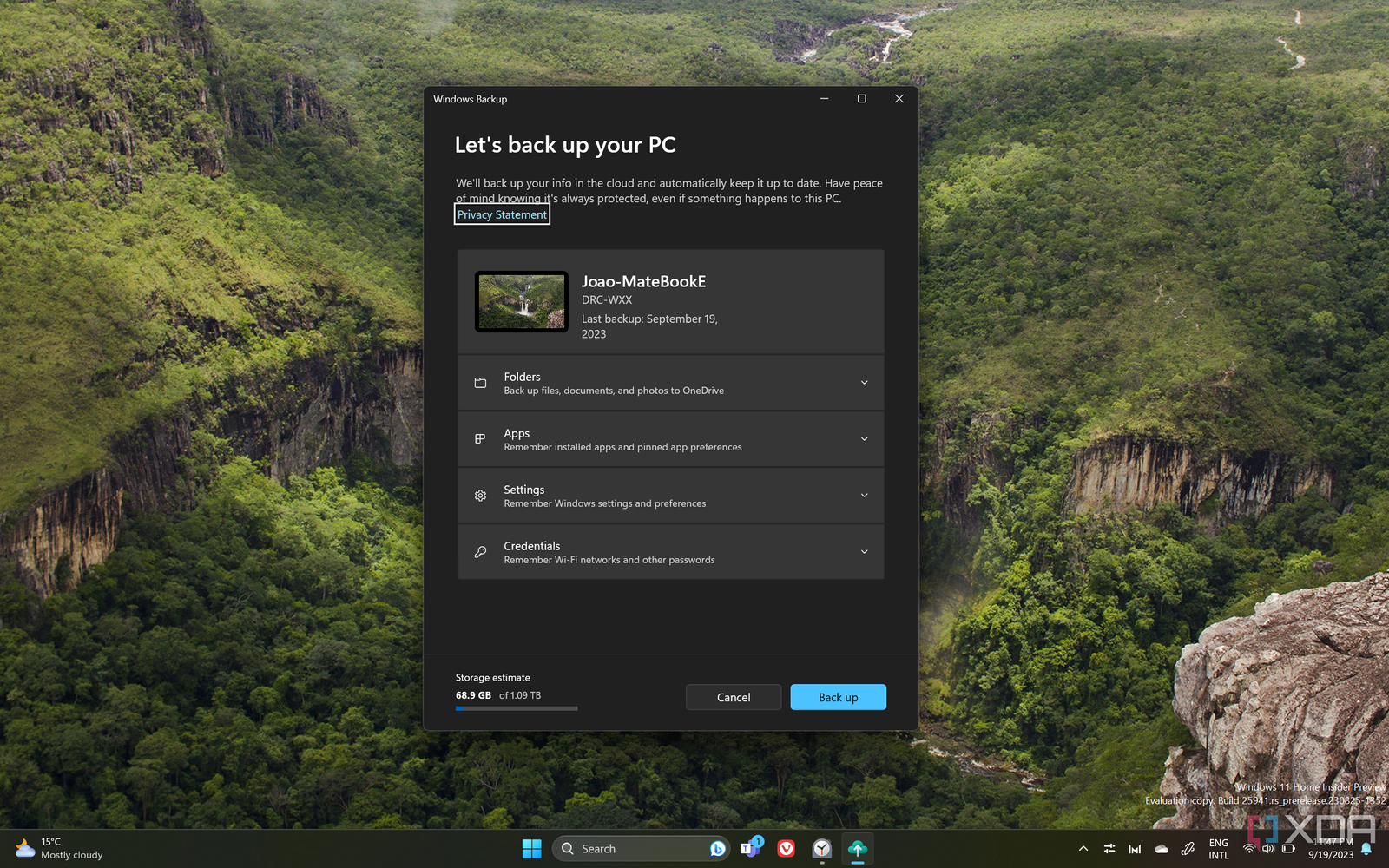
And hey, don’t forget the golden rule of backing up your data! I know it sounds boring, but trust me, you don’t wanna lose all your precious files to a mishap. Take it from someone who learned the hard way – having your data backed up is a lifesaver.
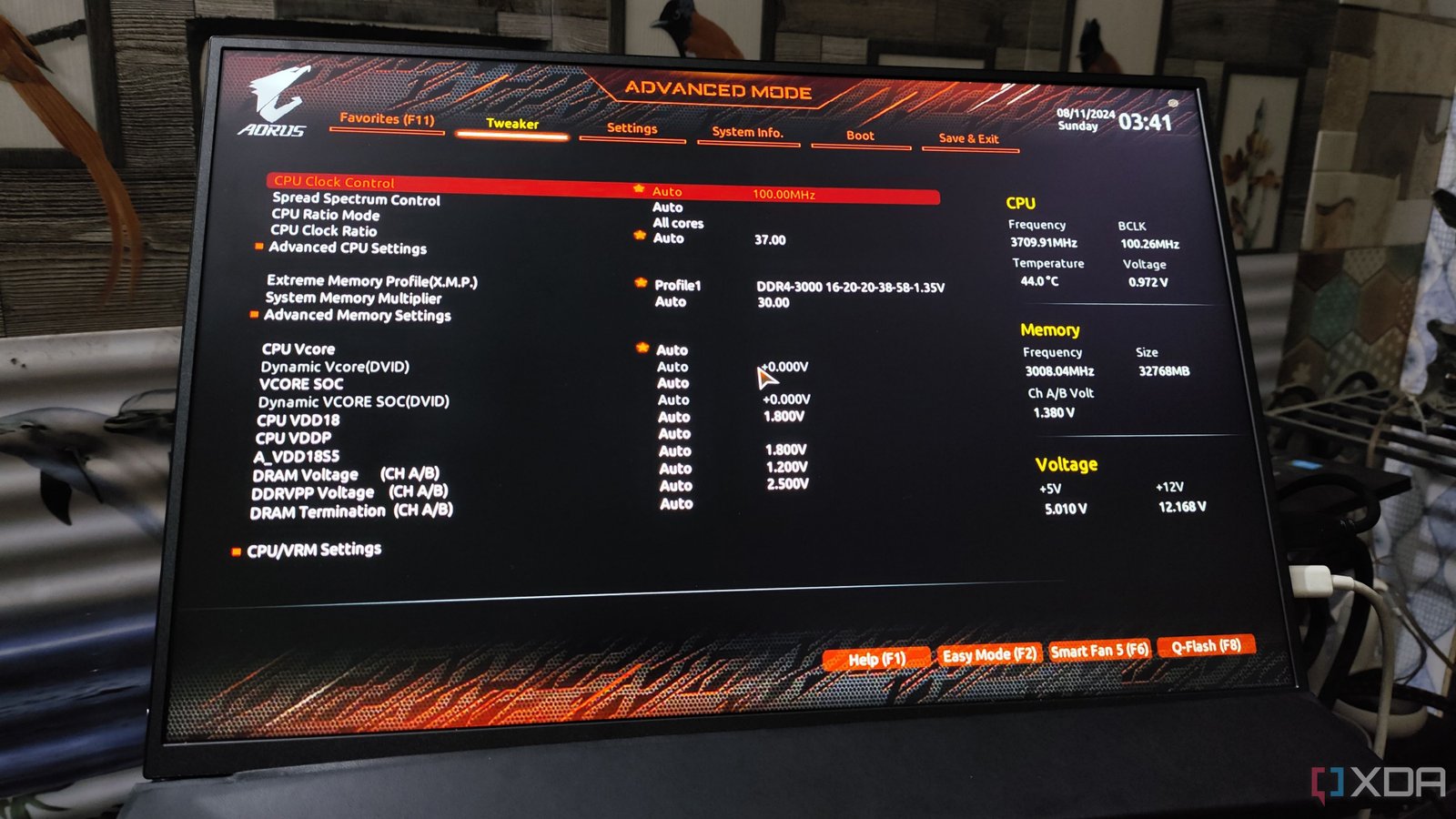
Listen, I get it; when you’re new to PC building, you might be quick to skip important steps in your eagerness to fire up that beast. But trust me, you gotta pay attention to these details. Take XMP/EXPO, for instance. Enabling this should be one of your first moves post-build. And hey, don’t stop there. Update your BIOS, tweak those fan curves, and tick off the checkboxes for Resizable BAR and Secure Boot.
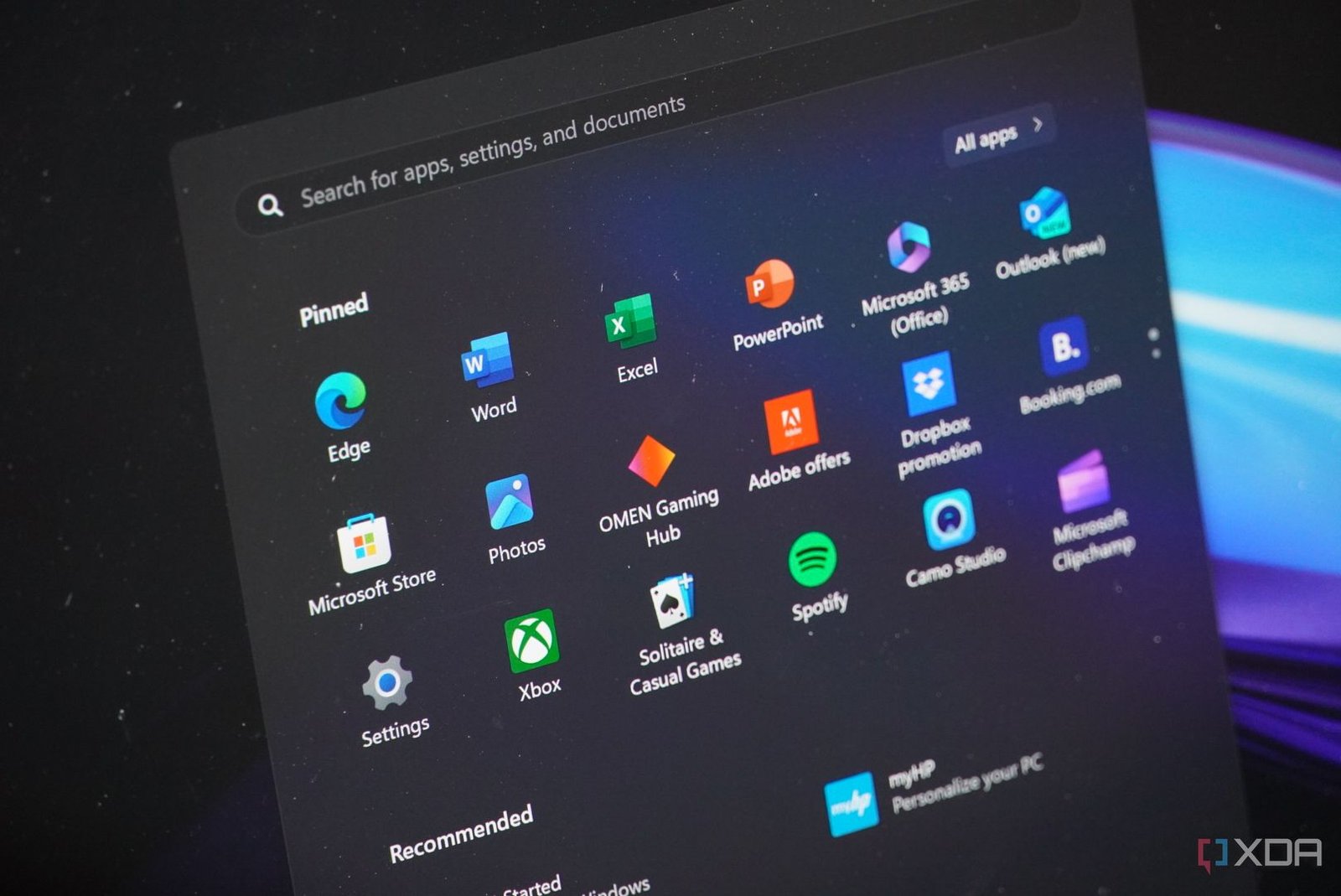
Your new rig won’t automatically hit peak performance, my friend. Those BIOS/UEFI tweaks are vital to ensure you’re getting the best out of it. And speaking of optimization, Windows 10 or 11 isn’t the most gamer-friendly OS out of the box. Get rid of that bloatware, disable unnecessary startup programs, kick in the Game Mode, and don’t forget to switch to the “High performance” power plan. These little tweaks can make a big difference, trust me.